---
title: Inventory Tracking
type: templates
category: Computer Vision
cat: computer-vision
order: 150
meta_title: Label exact products on the shelves
meta_description:
---
Inventory Tracking system allows you to label exact products by given brand names illustrated by relevant sample photo. Every task with shelf photo also has a list of assiated brands to label.
 ## Labeling Configuration
```xml
```
Let's get through configuration. `View` is used only for layout purposes. The main thing here is the `value` in `PolygonLabels`, it allows us to load labels dynamically for every task from related array in task data, one `Label` per item. Every parameter from such item in data will be present as parameter in generated `Label` tag.
Also there is new `html` parameter for `Label` tag which allows to display rich content as label. This content should be html-escaped:
- `<` → `<`
- `"` → `"`
- `>` → `>`
- etc.
Stored value still comes from `value` parameter, it's required.
You can also use usual static `Label`s inside `Labels` tag in combination with dynamic ones — static labels will be displayed first.
## Example data
We use `value=$objects` so we should set `objects` field in task data as the source for generated labels, every item contains parameters for such tags, these parameters can be different for every label, the only required is `value`. `html` content should be string-escaped, so it's better to use single quotes here.
```json
{
"data": {
"image": "https://htx-pub.s3.amazonaws.com/templates/inventory-tracking/shelf.jpeg",
"objects": [{
"value": "CocaCola",
"html": "
## Labeling Configuration
```xml
```
Let's get through configuration. `View` is used only for layout purposes. The main thing here is the `value` in `PolygonLabels`, it allows us to load labels dynamically for every task from related array in task data, one `Label` per item. Every parameter from such item in data will be present as parameter in generated `Label` tag.
Also there is new `html` parameter for `Label` tag which allows to display rich content as label. This content should be html-escaped:
- `<` → `<`
- `"` → `"`
- `>` → `>`
- etc.
Stored value still comes from `value` parameter, it's required.
You can also use usual static `Label`s inside `Labels` tag in combination with dynamic ones — static labels will be displayed first.
## Example data
We use `value=$objects` so we should set `objects` field in task data as the source for generated labels, every item contains parameters for such tags, these parameters can be different for every label, the only required is `value`. `html` content should be string-escaped, so it's better to use single quotes here.
```json
{
"data": {
"image": "https://htx-pub.s3.amazonaws.com/templates/inventory-tracking/shelf.jpeg",
"objects": [{
"value": "CocaCola",
"html": "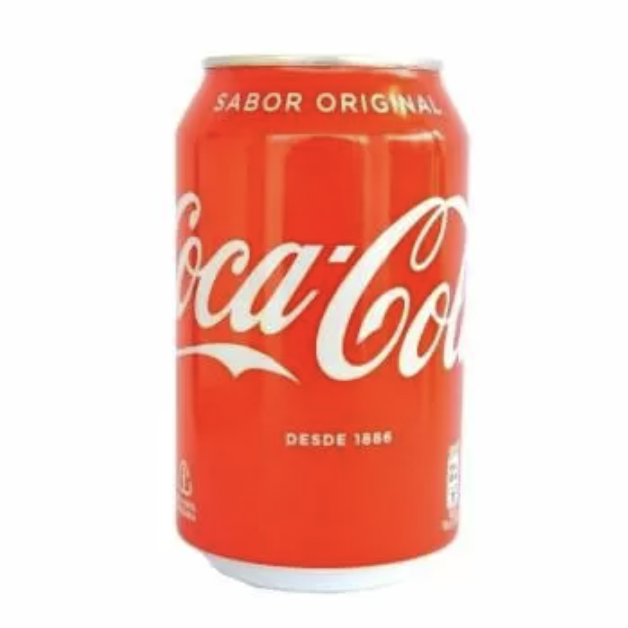 "
}, {
"value": "RedBull",
"html": "
"
}, {
"value": "RedBull",
"html": "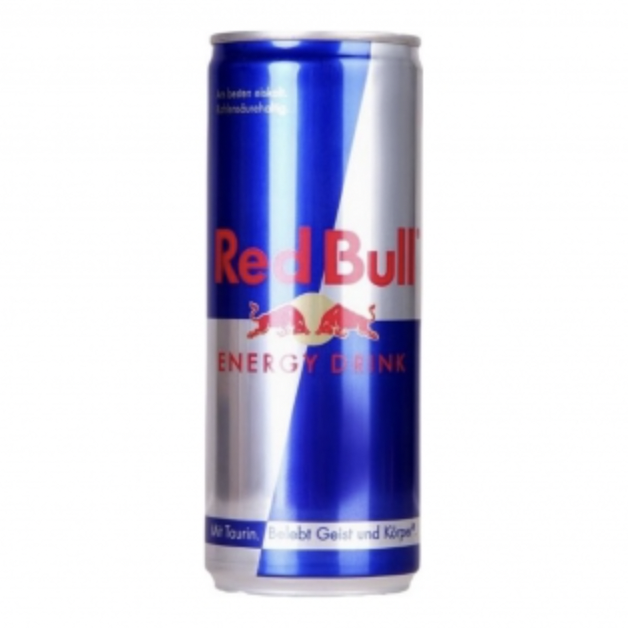 "
}, {
"value": "Burn",
"html": "
"
}, {
"value": "Burn",
"html": "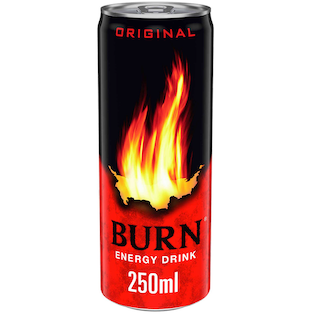 "
}, {
"value": "Breezer",
"html": "
"
}, {
"value": "Breezer",
"html": " "
}, {
"value": "Monster",
"html": "
"
}, {
"value": "Monster",
"html": "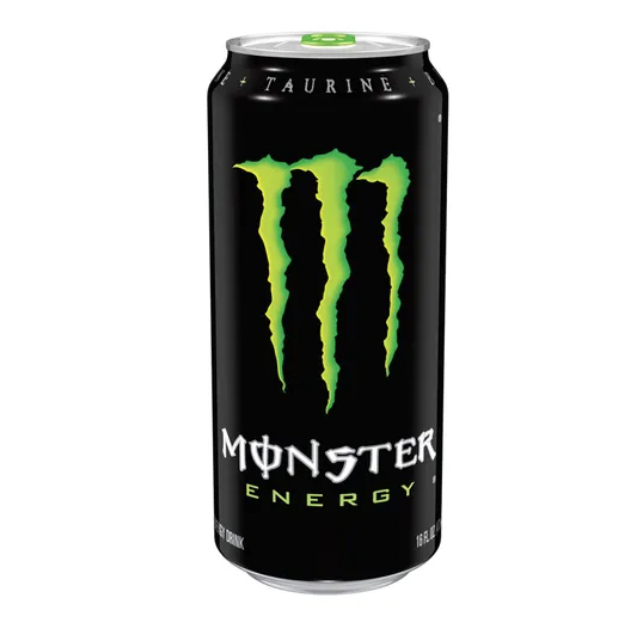 "
}]
}
}
```
"
}]
}
}
```